
Google Pixel smartphones aren’t known for their advanced camera hardware. However, they are pretty much known for its advanced camera application that can do wonders with simple hardware. Google’s set of algorithms for the camera app is the holy grail of smartphone cameras. Exclusive features are coming with it like HDR+, Astrophotography that made it stand against the competition. Due to the wonders brought by this application, the community flourished with custom ports of the app named Gcam. There are multiple variations of the app offering a wide array of features and extensive support for several Android smartphones.
Today, we are going to teach you how to install a powerful MOD inside the Gcam community. It is named UltraCVM and offers HDR+ modes, Astrophotography as well as a wide variety of controls to improve the image quality. However, the mod seems to support only Android 10 and Android 9 Pie devices. It’s a limitation from the GCAM 7.3 base.
WHAT IS GCAM? AND ULTRACVM MOD?
In short, Gcam is a mod that aims to bring the Google Camera app to several smartphones and ensure that all features work with them. There are several variations of Gcam. Some are meant for multiple Android devices, while others are made specifically for a single smartphone. Multiple developers are working on Gcam and we have today an active community of users using the Mod.
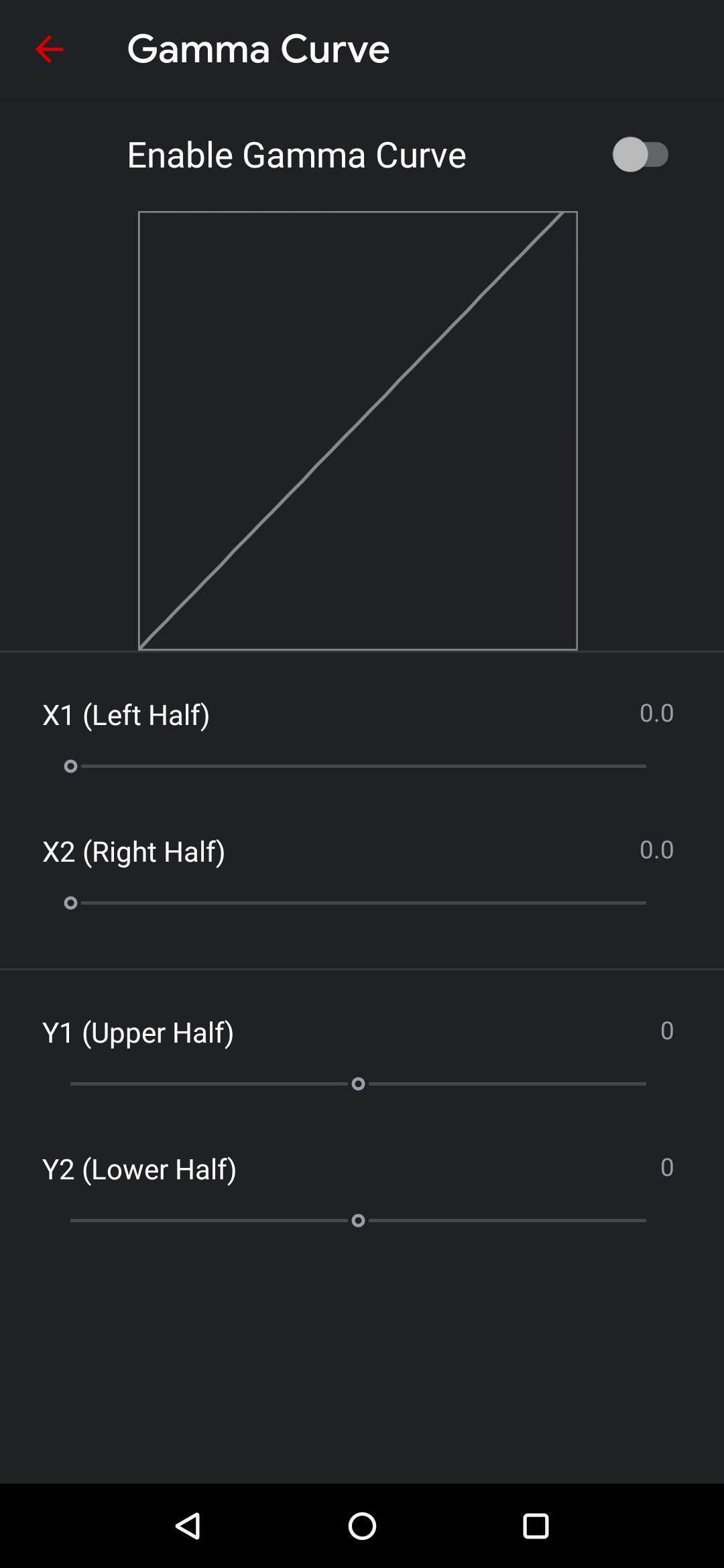
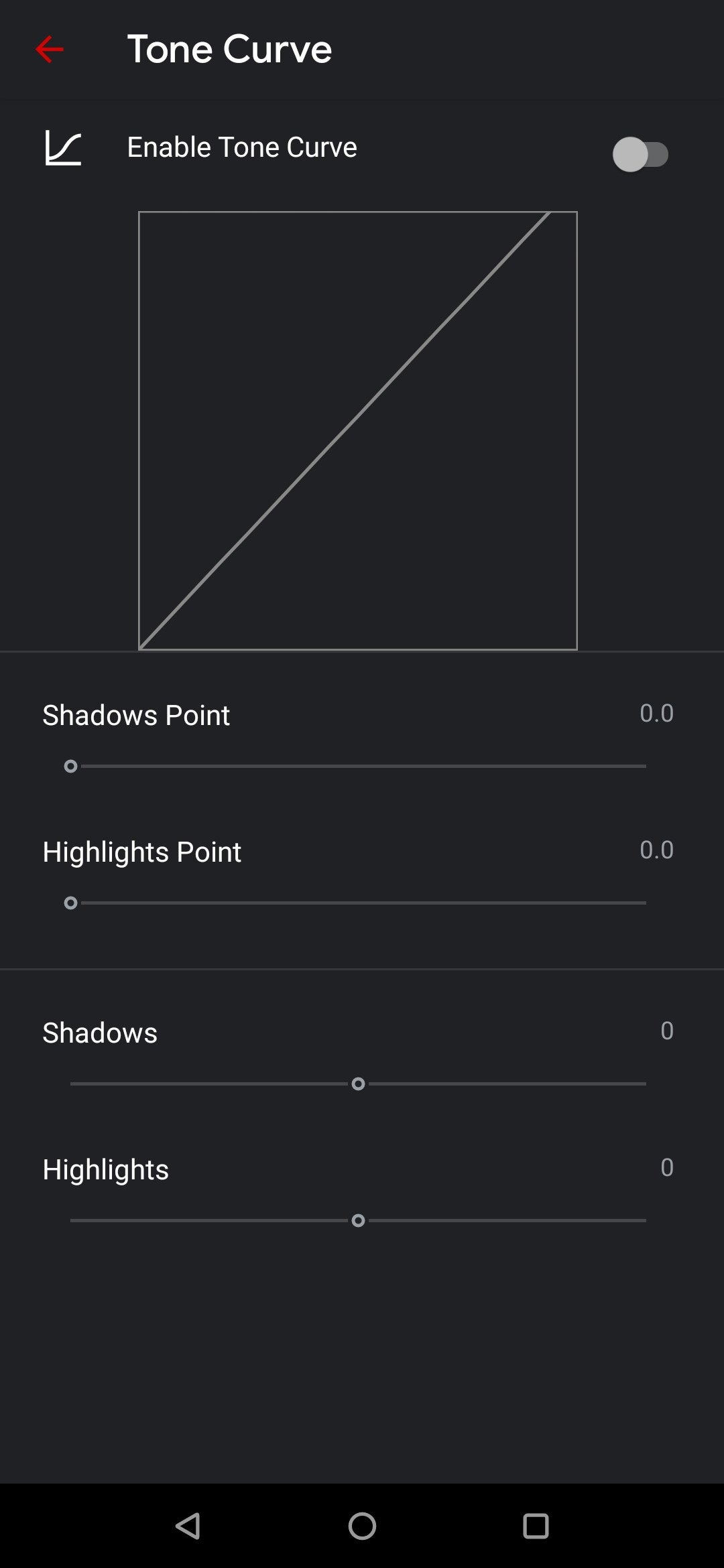
The new mod is a complete rework on the GCAM 7.3 base. It was made by the developer UltraM8, and all credits go for him and the community behind the GCAM project. It brings a new design and advanced features. If you’ve some knowledge in image controls, you may be able to capture stunning photos with your smartphone. However, you can simply install the app and most features will be available at startup.
GCAM 7.3 APP MOD BASE FEATURES:
- Automatic DND mode while using video-recording.
- Re-arranged settings UI.
- 24FPS video recording.
- Exposure controls to adjust brightness and HDR of your photo.
- Astrophotography implemented to Night Sight.
- Received Frequent Faces to help you capture Top Shot photos.
- Touch and Hold shortcut in the shutter button to capture Top Shot photos.
ULTRACVM V.4.0 FEATURES
- v4 own features:
- Returned to natural look (thx r0m10 for cooperation on this)
- Got rid of compression
- Got rid of downsampling
- Bilateral filter retweaked
- Sabre slightly retweaked
- Exposure slightly retweaked
- Camera:
- Tuned for best possible picture quality (tested on Imx586)
- Redid & fixed Libpatcher
- Added spatial denoise
- Added option to use OEM noise model from rom libs
- New shutter control
- Added exposure compensation
- Added AWB per AUX (thx Arnova for helping with that)
- Ported Xiaomi API2 camera & AI keys
- Added experimental Qualcomm HDR bracketing mode
- Added awesome Tone & Gamma graph UI (thx Overwhelmer for helping with them)
- New video bitrate options (thx Urnyx for helping with this)
- Added all my v3 NoiseModels with auto-detection per sensor (thx Overwhelmer for helping)
- IMX586 Per-channel noisemodeller (v4 retweaked and fixed thx to Savitar)
- S5KHMX noisemodeller
- IMX686 noisemodeller
- IMX582 noisemodeller
- S5KGM1 noisemodeller
- S5KGW1 noisemodeller (credit goes to Wave_Generator)
- IMX363 noisemodeller
- Added new model for the selfie cam
- – Fully reskinned settings & UI (thx The_Dise for helping with this)
- New Log
HOW TO DOWNLOAD AND INSTALL GCAM ULTRACVM IN YOUR ANDROID DEVICE
The new mod is easy to install just like other GCAM mods, it also supports XML configurations if you’re familiar with the matter or have a specific set of configs for your smartphone. UltraCVM mod is based on Arnova’s 5betaFinal.7.3.020 builds. It means that all Arnova goodies are included. Before trying to install the mod, you’ll need to make sure that you have support for camera2 API in your smartphone.
The list of compatible devices include:
- OnePlus 7 e 7 Pro;
- OnePlus 7T e 7T Pro;
- Pocophone F1;
- Redmi Note 8
- Redmi Note 7 and 7 Pro
- Mi 9T and Mi 9T Pro (Redmi K20 and K20 Pro)
- Redmi K30 aka Poco X2
- Samsung Galaxy S10e;
- Galaxy S10 e Galaxy S10+;
- Galaxy Note 10 e Note 10+.
The list isn’t limited to these devices, as said before, you can try it on your Android 9+ smartphone to know if everything is working. Some features may be available for all devices, while others don’t. If you want to have a deep look at UltraM8’s work, you can check the source link for his particular page at CelsoAzevedos’s GCAM repository or thread on XDA-Developers.
The procedure is quite simple and you just need to follow the instructions below:
- Download the APK provided (It’s a beta build, so might carry some bugs) (Click Save As)
- Select and Install it ( You’ll be prompted with the request for allowing app installation from external sources, don’t worry the app is safe).
- Open the Google Camera once the icon appears in your launcher
- Done!
- For older versions of Android, you can try and download Gcam 7.2, 7.1, or any mod that is compatible with your version.
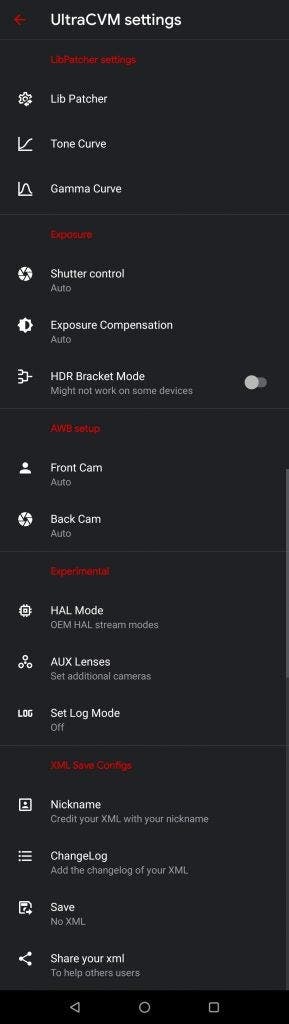
Now you’re ready for enjoying all the exciting features of UltraVCM 4.0 GCam mode. It includes the Astrophotography feature and the 24FPS recording mode. The latter is a must for all cinematography lovers! You can also customize the gamma and tone curves.
Source : GizChina


